Free ComfyUI
Workflows
Download, import, and start generating. Every workflow is tested and includes standardized settings for fair comparisons.
Showing 5 of 5 workflows

Optimized for consistent character portraits. Uses FLUX-Klein UNET with Qwen CLIP at 8 steps CFG 1.0 for high-quality 832x1216 outputs.
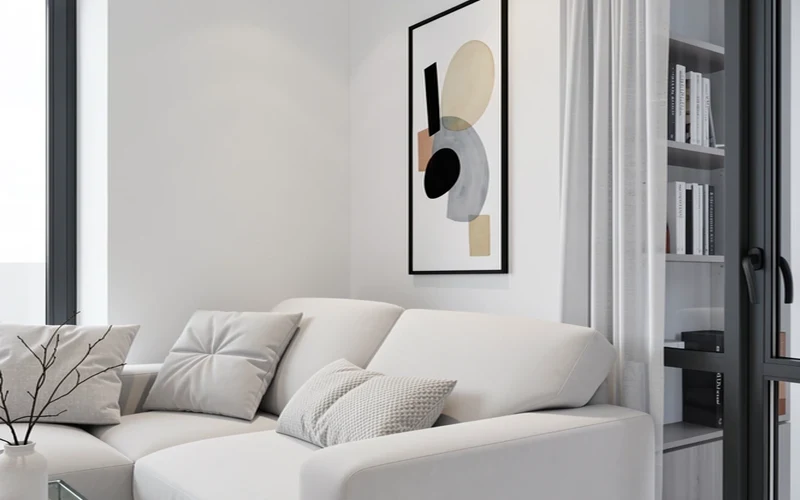
Klein IdentityFeatureTransfer edit pipeline using ReferenceLatent conditioning and Flux2Scheduler. Preserves scene structure while applying text-guided edits — ideal for chair fabrics, background changes, and adding/removing subjects.

Official Z-Image-Turbo workflow using AuraFlow sampling, 8 steps at CFG 1.0. Uses qwen_3_4b text encoder with lumina2 type.
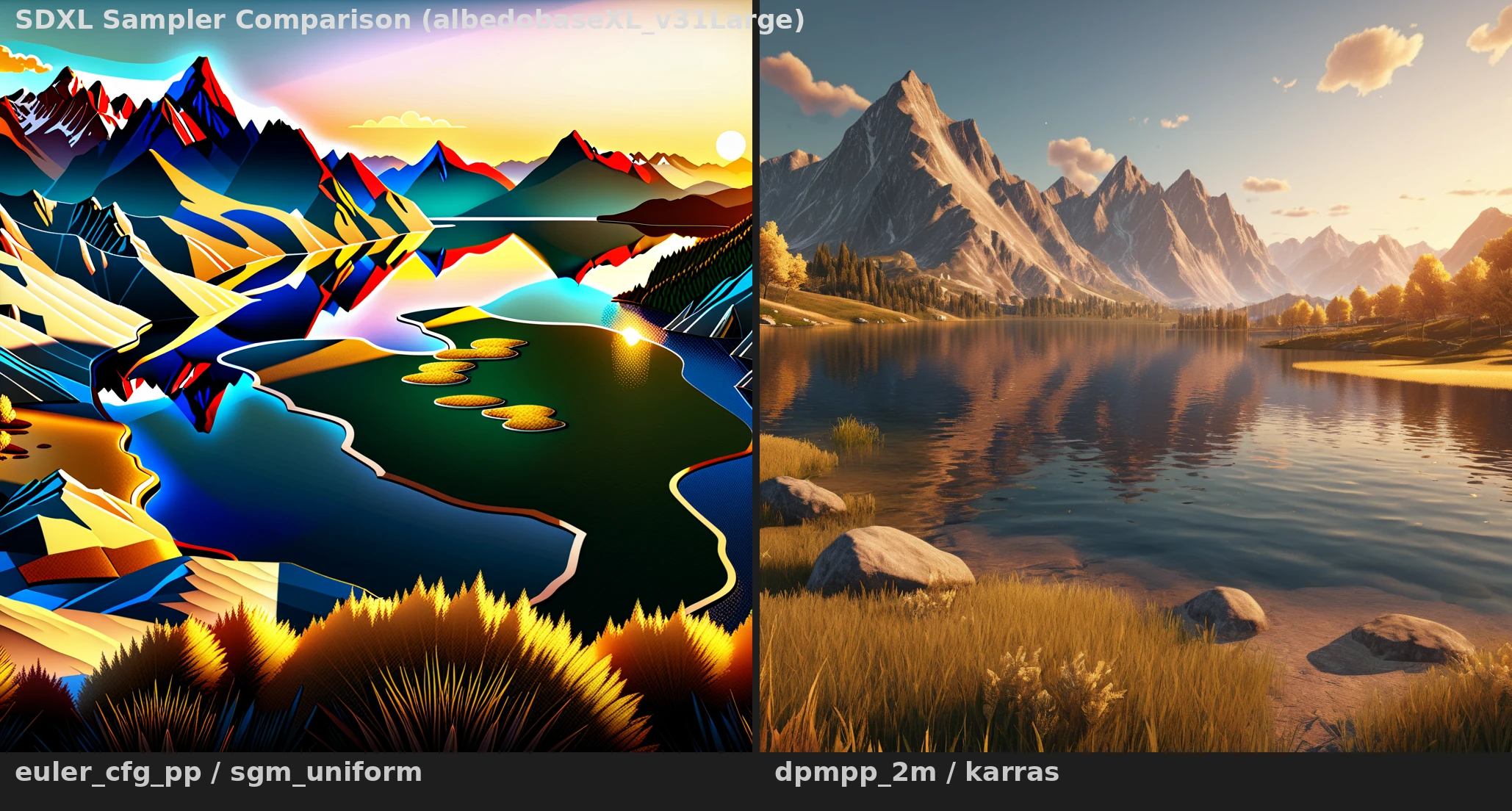
Side-by-side comparison of 6 samplers (euler_cfg_pp, dpmpp_2m, DDIM, LMS, dpmpp_2m_karras, dpmpp_2m_sde_karras). Same seed, same prompt — see which sampler wins.
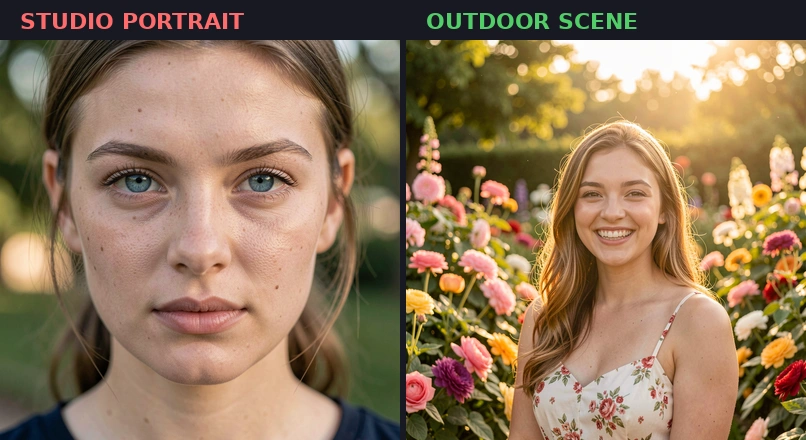
Qwen-based image editing workflow. Same settings as Klein but with Qwen's language understanding.
No workflows match your search.
Try adjusting your filters or search terms.
No workflows found
Try selecting a different model filter.
How to Use These Workflows
Download
Click "Download JSON" on any workflow page
Import
Drag the JSON into ComfyUI or use "Load" button
Generate
Hit "Queue Prompt" and watch the magic happen